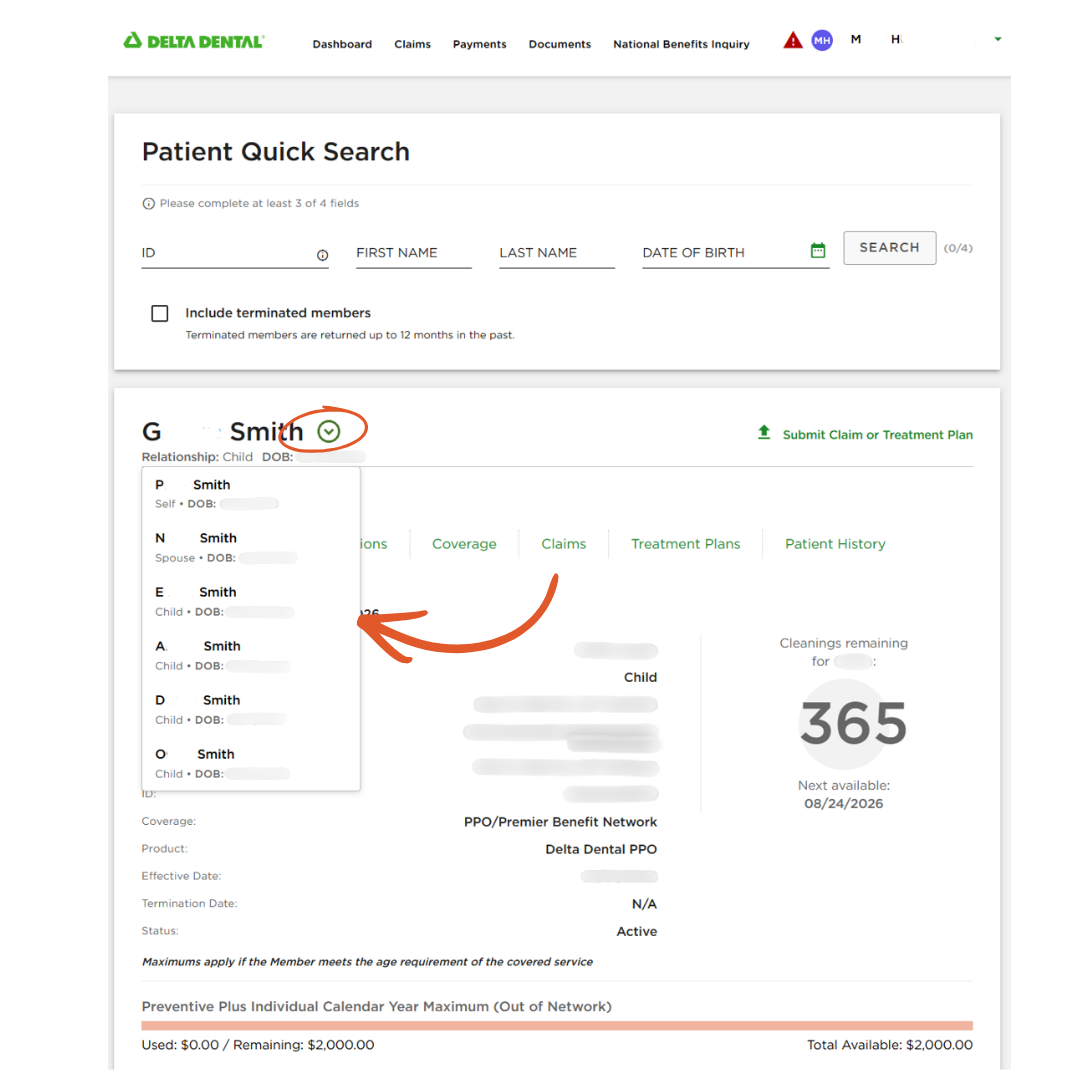
You asked, and we listened! Based on your feedback, you can now quickly navigate between family members covered under the same plan.
After searching for a patient in your Online Dentist Account, look for the drop-down arrow next to their name. Select the arrow to see other family members covered under the plan, then select a name to go directly to that family member’s Benefits & Eligibility (B&E) page.
Now you can quickly move between covered family members without searching for each member individually, saving you time and a few extra steps.
We appreciate your continued partnership and hope you find this feature helpful when managing patient information.